Users opt in inside the BuckFifty app: on the Notifications screen, they turn on the "Text message (SMS)" switch and enter their mobile number, then tap Save. The switch is off by default — it is never pre-selected. The screen states: "One summary per drop, per channel you turn on. Email and SMS need a contact below, and they only send when you opt in here."
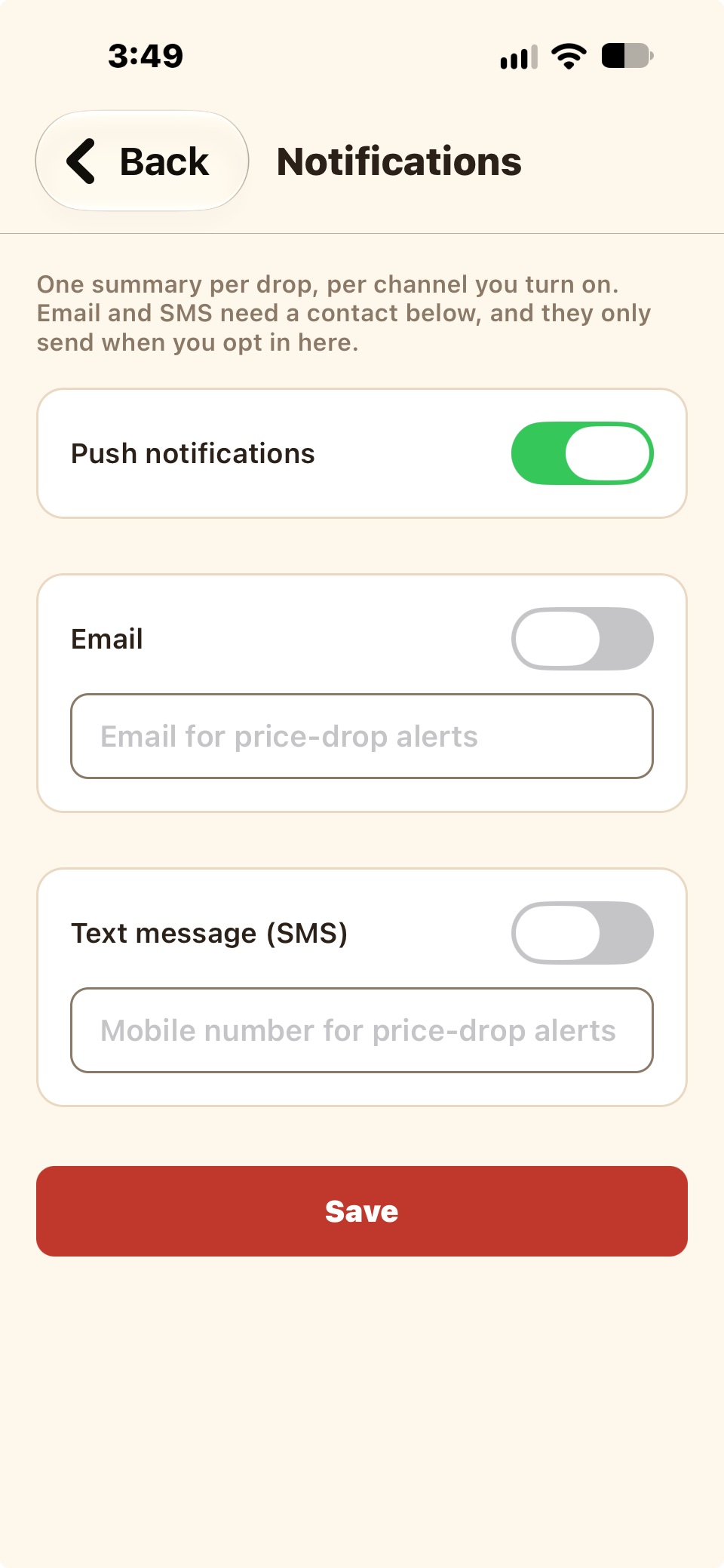
Messages sent: transactional price-drop alerts only, when an item the user bought drops in price within Costco's 30-day price-adjustment window. One summary per drop — typically a few per month at most. Message and data rates may apply. Reply STOP to unsubscribe at any time, or HELP for help. You can also turn SMS alerts off in the app's notification settings.